
Be Safe Online
Keep your private things private — and when in doubt, ask a grown-up!
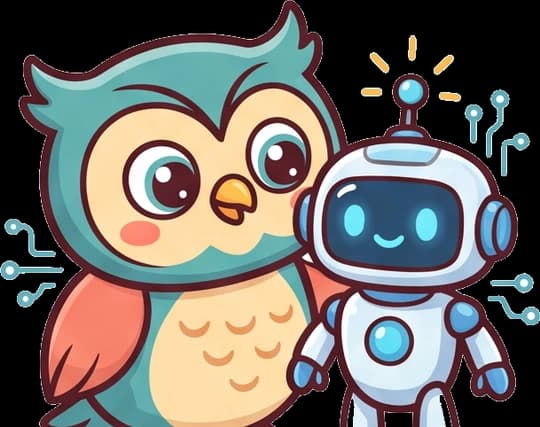
Kavi and the Pop-Up
Kavi the owl is playing a game when a bright pop-up appears: "🎉 You WON! Type your password and your home address to get your prize!" Kavi's feathers ruffle. "Hmm — my password and address are private," she hoots. "I won't type them. I'll go ask a grown-up!" Her dad takes one look and smiles: "Good thinking, Kavi — that was a trick. Keeping private things private keeps you safe online!"
What your child will learn
A peek inside
Try this at home: Name two private things you should keep secret online.
Questions parents ask
+What should kids never share online?
Private things that could let a stranger find or trick them: their home address, phone number, passwords, which school they go to, and photos that show where they live. Fun things that are not secret — like a favorite color, animal or game — are usually fine to share.
+Why should a child ask a grown-up when online?
A child cannot always tell when a message or pop-up is a trick. If anything online asks for private information, feels scary or mean, or seems too good to be true, the safest move is to stop and ask a trusted grown-up — a parent, carer or teacher — who can help decide what to do.
+How do I teach my child to be safe online?
Give them one clear rule: keep private things private, and when something online feels wrong or asks for private information, ask a grown-up first. Practice with examples, like a pop-up asking for a password or a stranger asking for a photo, so they know what to do before it happens.
+What age is this 'Be Safe Online' lesson for?
It is a Stage 3 lesson for roughly ages 7–8 in KAVI Academy's AI-literacy track. It builds on earlier ideas about using tools kindly, and uses a story and sorting games with light reading.
+Is the lesson free?
Yes — this overview and the printable PDF handout are free. The full interactive lesson and the endless practice are part of KAVI Academy.
Ready to play and learn?
Start the free interactive lesson, or print the handout for screen-free play.
Part of AI Literacy · Stage 3 · S3 on KAVI Academy — a secular, whole-child learning platform for ages 5–12.